From looking it up to remembering it.
Search with the clues you have, preview words in context and finish with a short recall session. Each word returns according to its review state.
Download on the App Store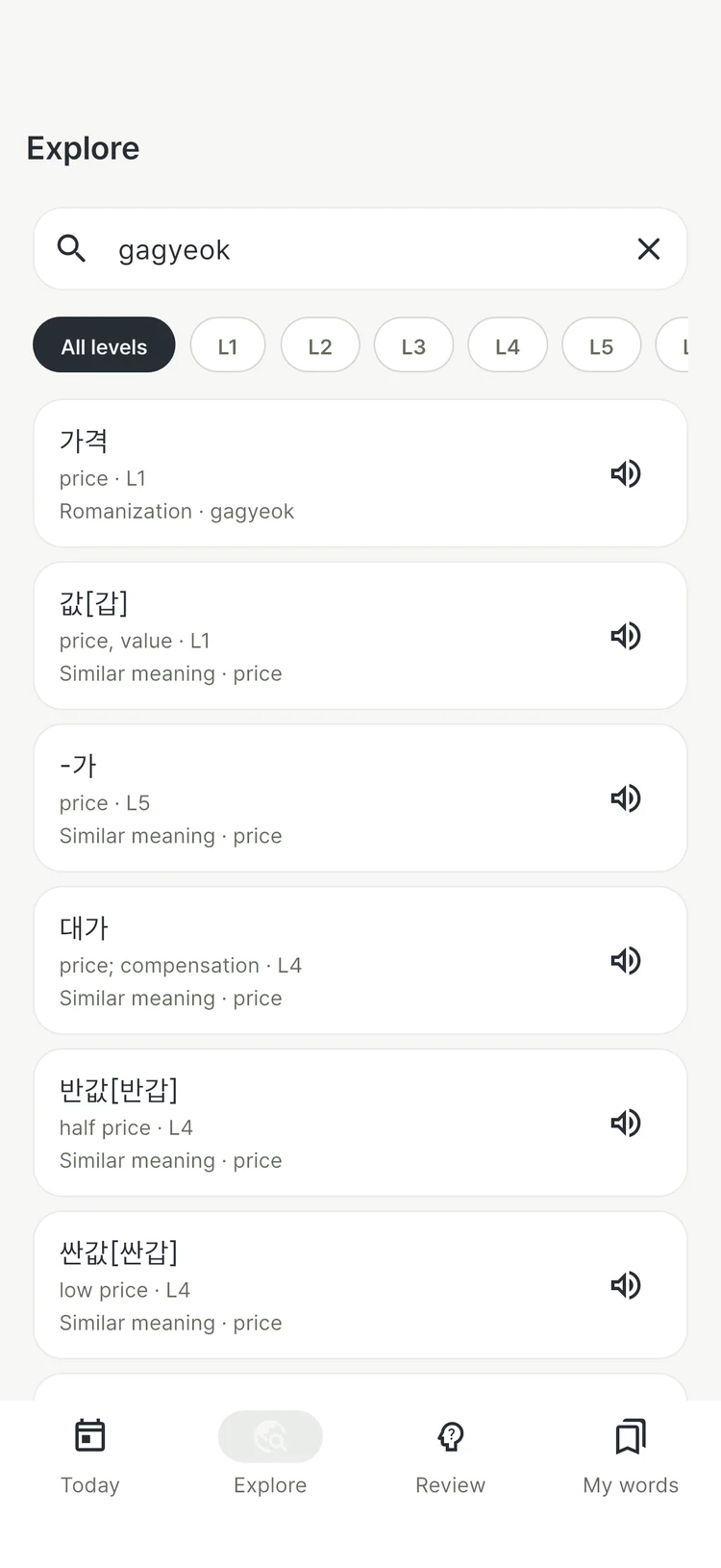
Search before you know the spelling.
You can find a word even when typing the full Hangul spelling is difficult. Check its meaning and level, then listen to the pronunciation.
- Hangul and initial consonants
- Search with complete Korean spelling or initial consonants.
- Pronunciation and romanization
- Type what you heard, such as gagyeok, to find the Korean headword.
- A meaning you know
- Search in English, Japanese or Chinese, with related words and spelling suggestions.
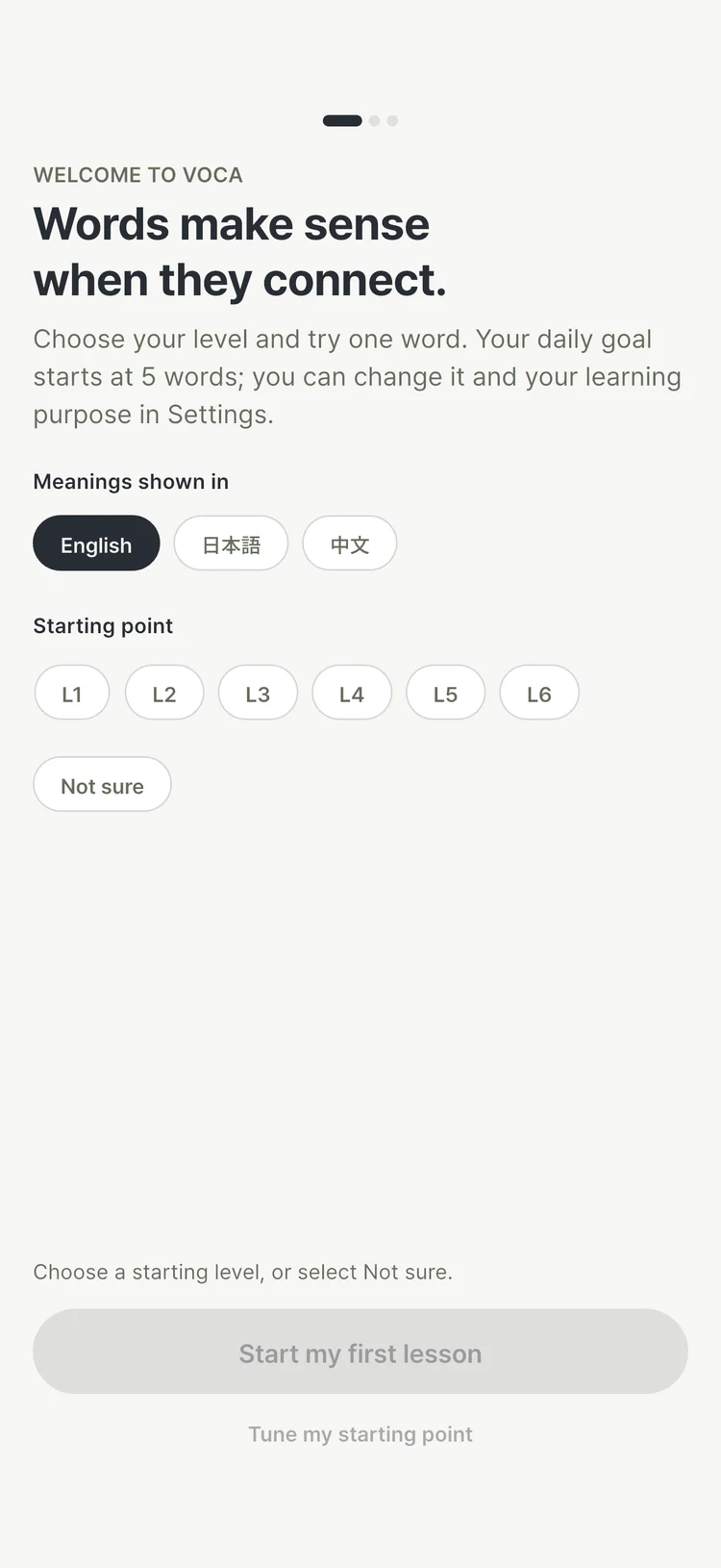
Unsure where to begin? Set a goal and starting level. The optional level check helps choose your first word.
Preview the next word without losing the sentence.
Tap a linked word in an example to check its meaning and pronunciation. Choose whether to follow it or stay with the sentence you were reading.
- Check the meaning first
- Keep the current sentence in view while previewing a connected word.
- Follow what interests you
- The word you choose becomes part of today’s learning trail.
- Close with a little recall
- Finish exploring with a short meaning quiz using words you just visited.
가위
scissors

가위로 를 잘랐어요.
I cut paper with scissors.
Tap the underlined word to see its meaning and an example.
Recall the same word from a different clue.
Start learning a word to add it to review. Practise recognising its meaning, understanding its sound and producing its spelling through different activities.
- Meaning
- See Korean and choose its meaning.
- Listening
- Hear the pronunciation and choose its meaning.
- Reverse
- See a meaning and choose the Korean word.
- Spelling
- Use a meaning as the clue to type Korean.
- Dictation
- Listen and type the Korean word.
The next meeting is part of the practice.
- Words you recalled
- Their review intervals can grow longer.
- Words you struggled with
- They return sooner for another attempt.
Today prioritises words whose review time has arrived. The result shows the words you practised and when they are due again.
Before you start
Does saving a word automatically start its reviews?
Saved words and words you are learning are separate. Start learning from a word’s page to add it to spaced review. My words separates saved, learning, needs-care and mastered words.
Do I need an account?
You can start learning without one. Connecting an Apple or Google account lets you sync your saved learning records.
Which languages are supported for meanings?
Meanings and example translations are available in English, Japanese and Chinese. Set the interface language and learning content language separately.